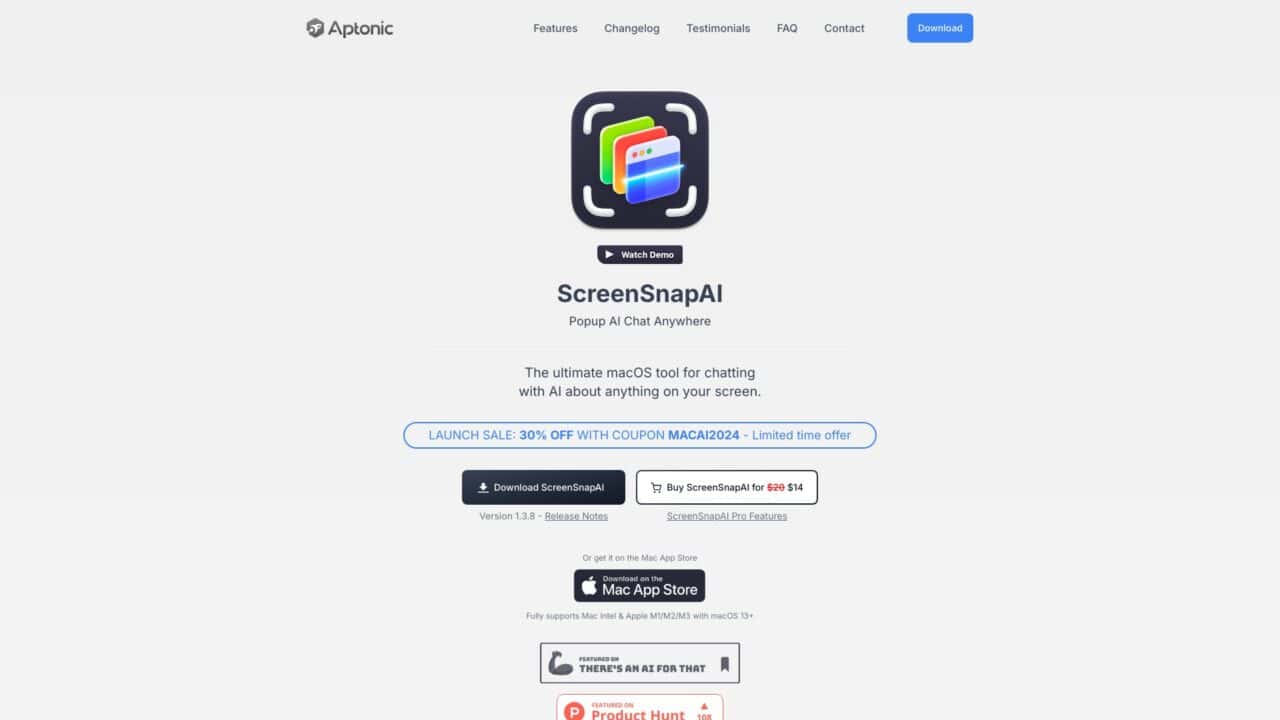
ScreenSnapAI is an innovative tool designed to enhance productivity by allowing users to interact with AI regarding the content on their screens. This application is specifically tailored for macOS users, supporting both Intel and Apple M1/M2/M3 devices running macOS 13+. With ScreenSnapAI, users can engage in conversations with AI about their screenshots, making it a versatile assistant for various digital tasks. The tool simplifies the process of managing screenshots by automatically naming, tagging, and organizing them into smart folders, thus streamlining workflow and ensuring efficient data handling.
Major Highlights
- AI-Powered Interaction: Engage in real-time conversations with AI about any content on your screen.
- Automatic Organization: Screenshots and AI chats are automatically named, tagged, and filtered into smart folders.
- Cross-Device Compatibility: Fully supports Mac Intel & Apple M1/M2/M3 devices running macOS 13+.
- User-Friendly Interface: Offers a minimalist UI that enhances user experience.
- Flexible Pricing: The base app is free, with a pro version available for advanced features.
- OpenAI API Integration: Users can utilize their own OpenAI API key with the non-Mac App Store version.
- Efficient Workflow: The tool’s features are designed to save time and improve productivity.
- Customizable: Advanced users can tailor the tool to their needs by integrating their own API keys.
- Global User Base: Trusted by professionals across various fields, including web designers, developers, and digital artists.
- Launch Sale: Currently offering a 30% discount on the pro version with a limited-time coupon.
Use Cases
- Web Designers: Quickly verify text accuracy and gather inspiration for design projects.
- Developers: Streamline coding tasks by discussing code snippets with AI.
- Digital Artists: Organize and manage reference images effortlessly.
- Content Creators: Efficiently tag and categorize screenshots for content planning.
- Community Managers: Use AI to analyze and respond to community feedback captured in screenshots.
- Educators: Simplify the process of creating educational materials from screen captures.
- Students: Use the tool for organizing study materials and notes from online lectures.
- Researchers: Extract and manage data from screenshots for research projects.
- Business Analysts: Analyze and interpret data from visual presentations with AI assistance.









Leave a Reply